Introduction
Welcome to the FocusFlow documentation!
FocusFlow is a complete ecosystem for time management using the Pomodoro technique. It is designed to help you optimize your daily workflow by tracking sessions, organizing tasks, and analyzing your productivity patterns.
Core Features
FocusFlow provides a synchronized experience across all your devices:
-
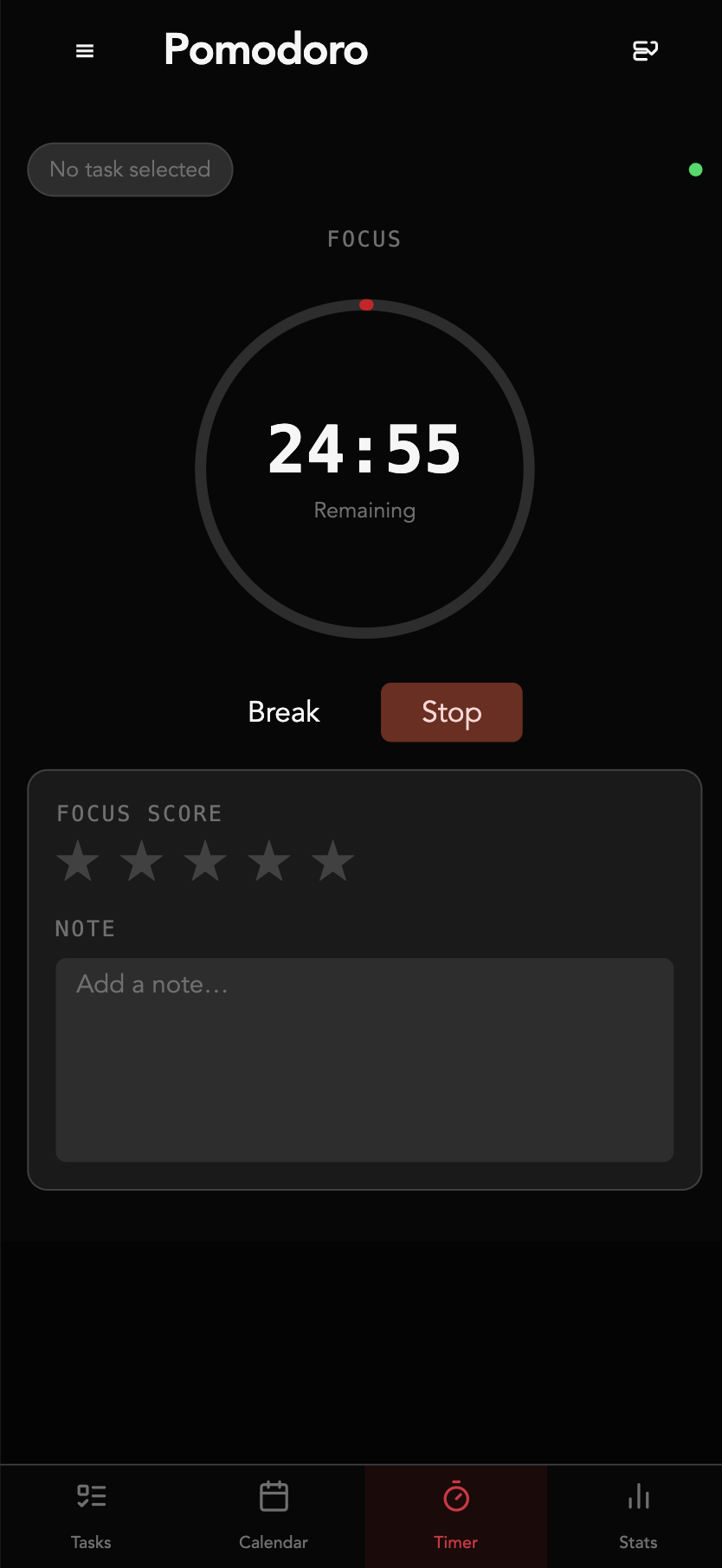
Focus Sessions: Manage work and break intervals efficiently. The core timer logic ensures you stay on track.
-
Real-time Synchronization: Synchronize your state across multiple devices using WebSockets. Start a timer on your phone and see it update instantly on your desktop.
-
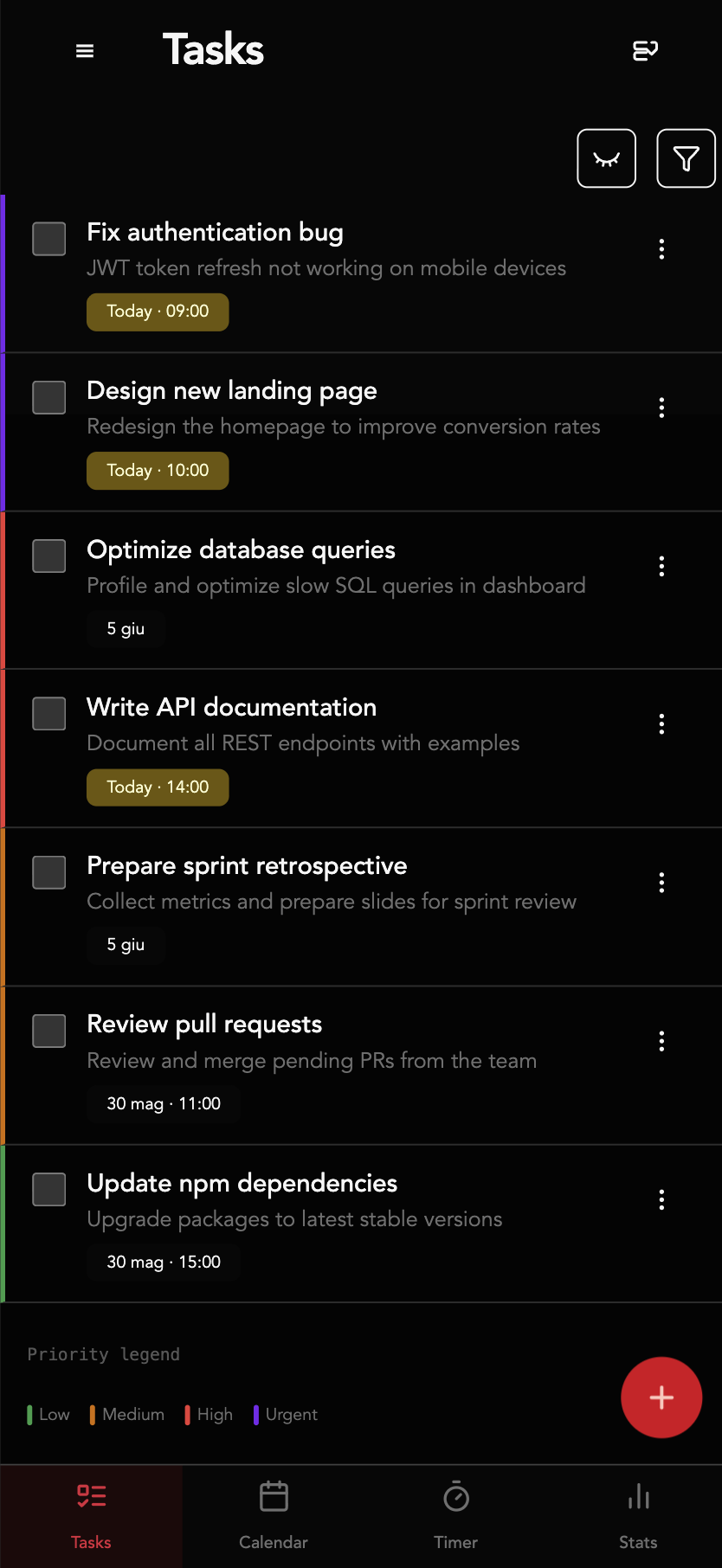
Task Management: Create, edit, prioritize, and schedule your to-dos. Keep your tasks aligned with your focus sessions.
-
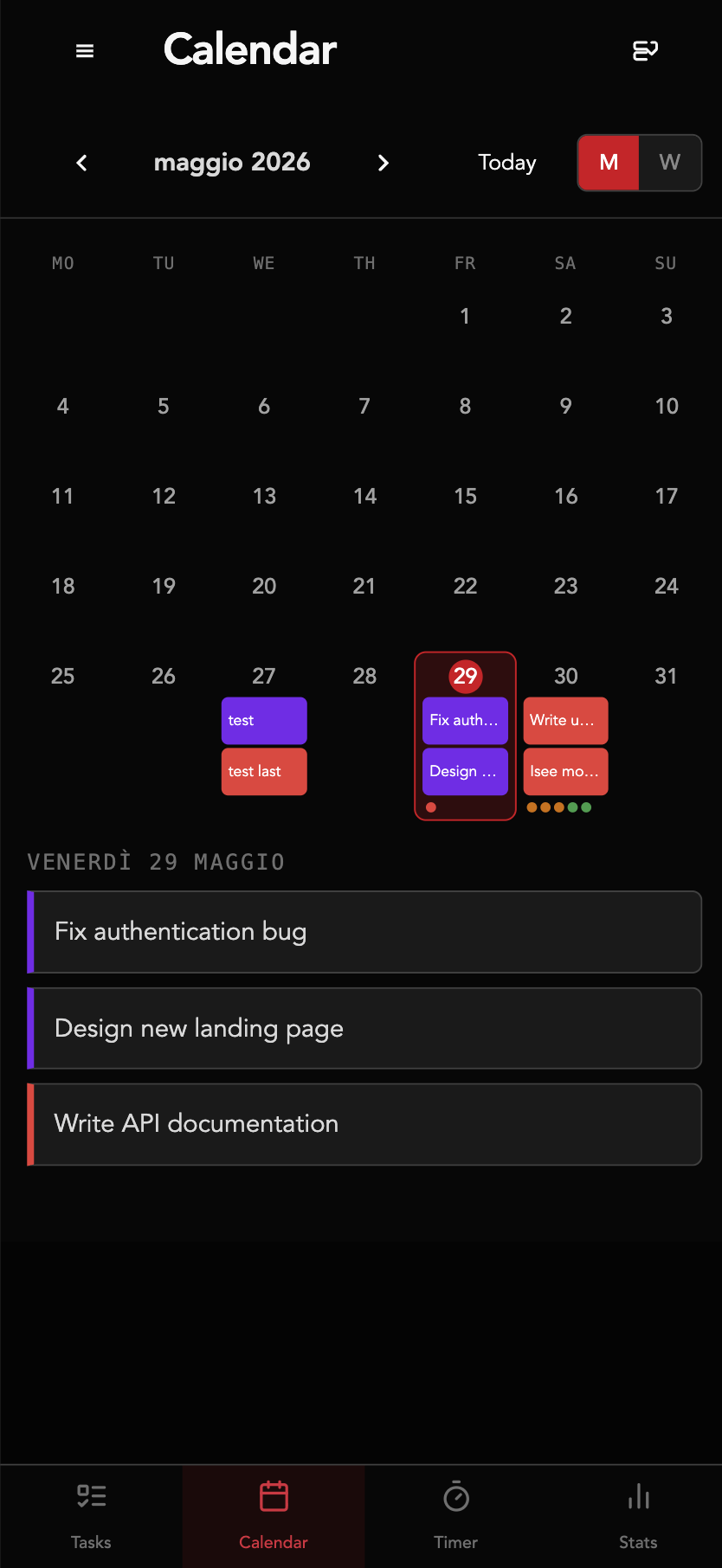
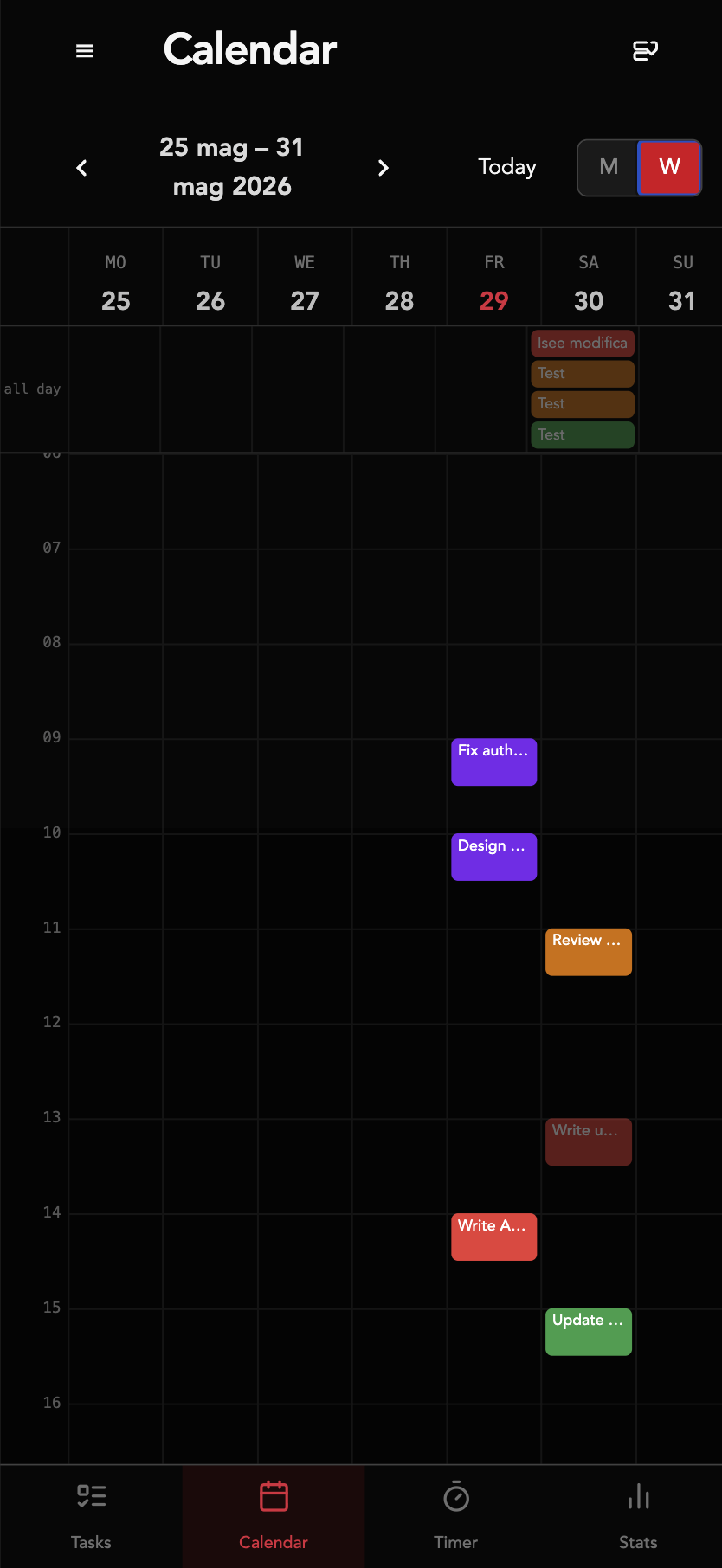
Scheduled Tasks & Calendar: Schedule tasks and visualize them in month or week views. The week view shows tasks as time-positioned blocks colored by priority.
-
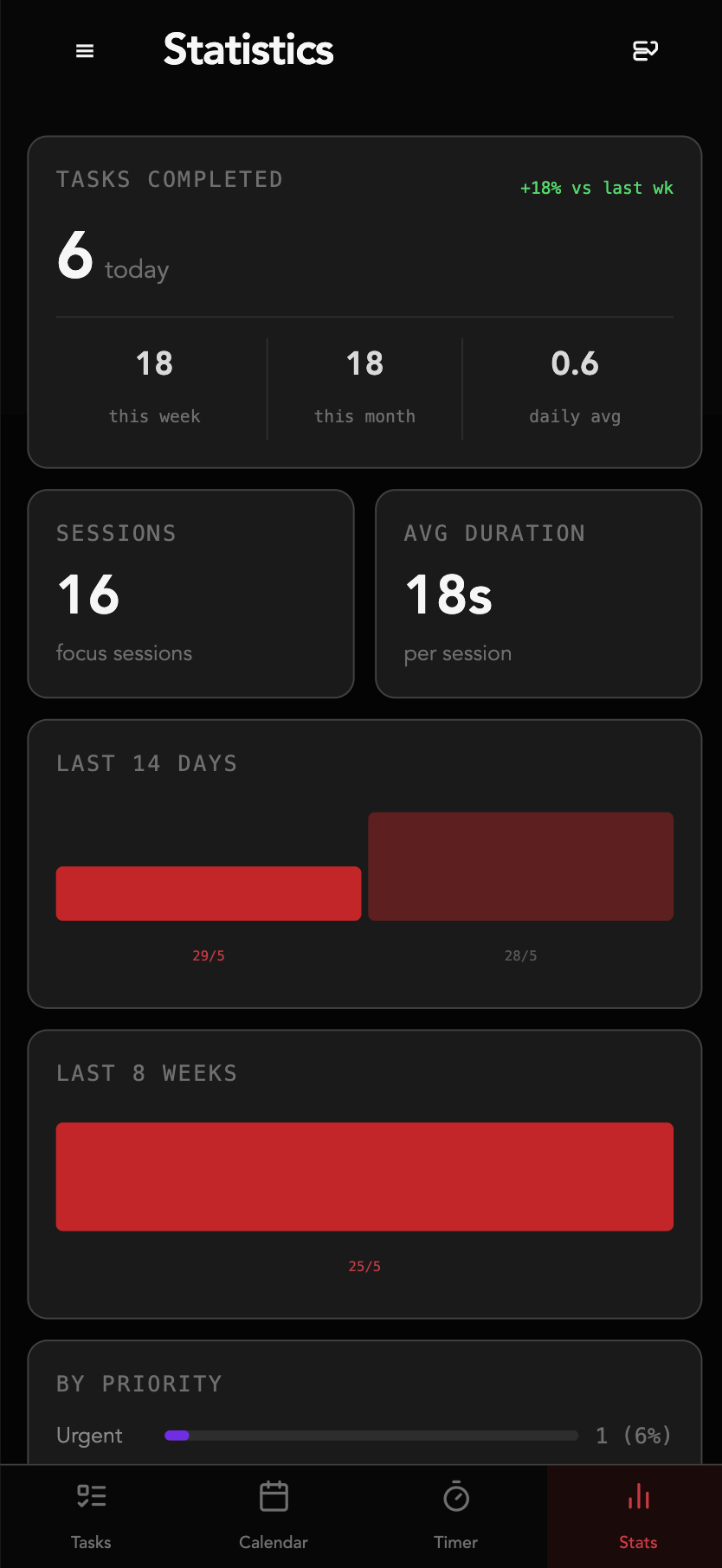
Productivity Analytics: View detailed statistics to understand your work habits and improve over time.
-
Native Notifications: System-level notifications for Pomodoro transitions and task reminders — no browser required.
Platforms
FocusFlow is a cross-platform solution:
- Native App: Built with Tauri v2 + SvelteKit — available as a native desktop app for macOS, Windows, and Linux, and as an APK for Android. Download from the Releases page.
- Cloud Backend: Powered by Rust (Axum, Tokio), ensuring high performance and reliability.
Installing the App
- Download the appropriate package for your platform from the GitHub Releases page.
- Install and launch the app.
- On first launch, enter your backend server URL (e.g.
https://api.example.com). - Log in and start tracking.
| Platform | Package |
|---|---|
| macOS (Apple Silicon) | .dmg |
| macOS (Intel) | .dmg |
| Linux | .deb / .AppImage |
| Windows | .exe / .msi |
| Android | .apk (enable Unknown Sources) |
| iOS | Build from source + Sideloadly — see guide |
Open Source
I built this project for my personal use to optimize my daily workflow and decided to share it as an open-source project. Contributions are welcome! Check out the Contributing guide to get started.